ToolbarNew
A container for interactive controls with arrow key navigation.
Import
import { Toolbar } from '@heroui/react';Usage
import {Bold, Copy, Italic, Scissors, Underline} from "@gravity-ui/icons";
import {
  Button,
  ButtonGroup,
Separator,Vertical
import {ArrowUturnCcwLeft, ArrowUturnCwRight, Bold, Italic, Underline} from "@gravity-ui/icons";
import {
  Button,
  ButtonGroup,
Separator,With ButtonGroup
import {
  ArrowUturnCcwLeft,
  ArrowUturnCwRight,
  Bold,
Italic,Attached
import {Bold, Copy, Italic, Scissors, Underline} from "@gravity-ui/icons";
import {
  Button,
  ButtonGroup,
Separator,Styling
Passing Tailwind CSS classes
import { Toolbar } from '@heroui/react';

function CustomToolbar() {
  return (
    <Toolbar
      aria-label="Actions"
      className="rounded-xl border border-default bg-surface p-2"
    >
      {/* toolbar content */}
    </Toolbar>
  );
}
Customizing the component classes
To customize the Toolbar component classes, you can use the @layer components directive.
Learn more.
@layer components {
  .toolbar {
    @apply gap-4 rounded-lg bg-surface p-3;
  }
}
HeroUI follows the BEM methodology to ensure component variants and states are reusable and easy to customize.
CSS Classes
The Toolbar component uses these CSS classes (View source styles):
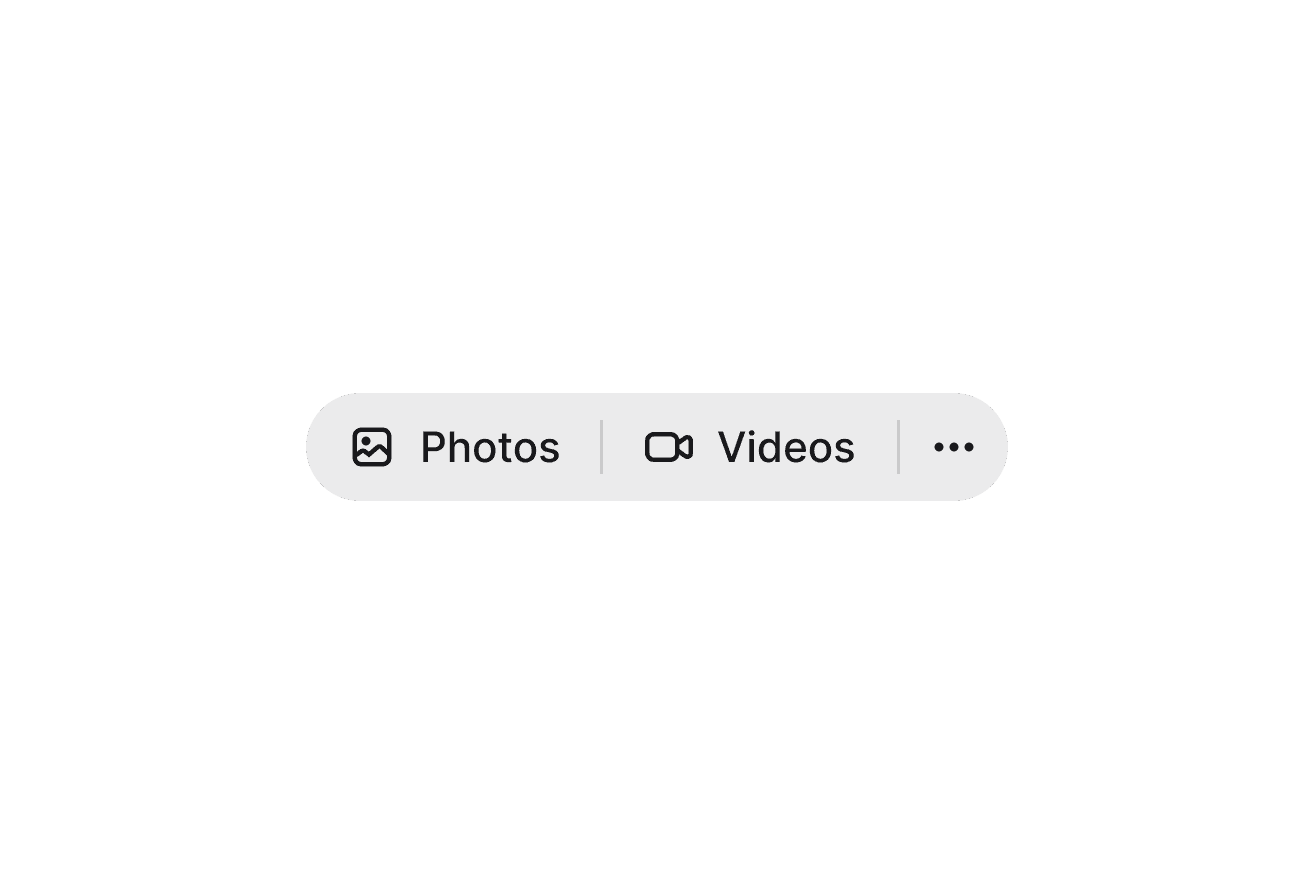
.toolbar- Base container.toolbar--horizontal- Horizontal orientation (default).toolbar--vertical- Vertical orientation.toolbar--attached- Attached variant with surface background and full rounding
API Reference
Toolbar Props
Inherits from React Aria Toolbar.
| Prop | Type | Default | Description |
|---|---|---|---|
isAttached | boolean | false | Whether the toolbar has a surface background with full rounding |
orientation | "horizontal" | "vertical" | "horizontal" | The orientation of the toolbar |
aria-label | string | - | An accessible label for the toolbar |
aria-labelledby | string | - | The id of an element that labels the toolbar |
children | React.ReactNode | (values: ToolbarRenderProps) => React.ReactNode | - | Content or render prop |
className | string | (values: ToolbarRenderProps) => string | - | Additional CSS classes |
ToolbarRenderProps
When using the render prop pattern, these values are provided:
| Prop | Type | Description |
|---|---|---|
orientation | "horizontal" | "vertical" | The current orientation of the toolbar |