ToggleButtonGroupNew
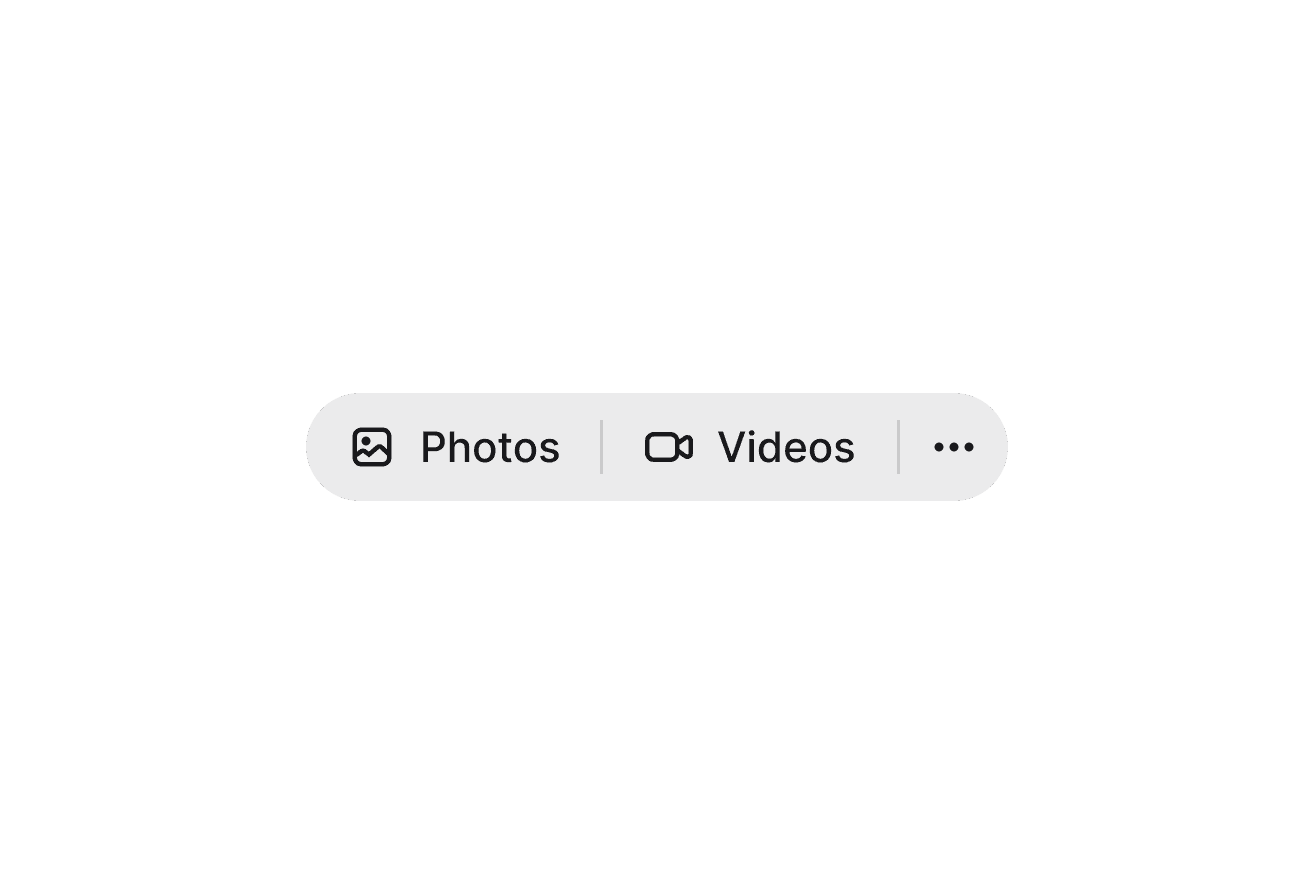
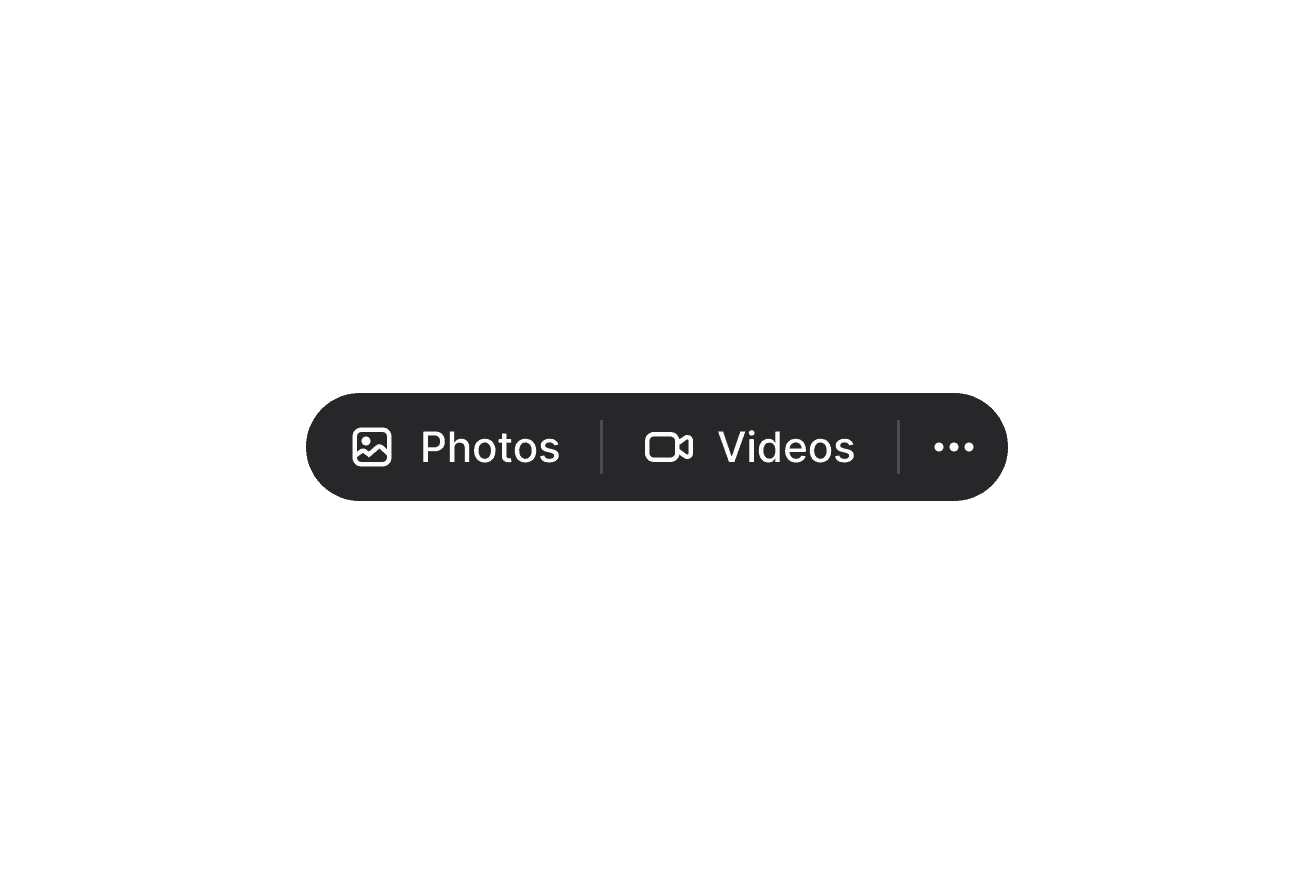
Groups multiple ToggleButtons into a unified control, allowing users to select one or multiple options.
Import
import { ToggleButtonGroup, ToggleButton } from '@heroui/react';Usage
import {Bold, Italic, Strikethrough, Underline} from "@gravity-ui/icons";
import {ToggleButton, ToggleButtonGroup} from "@heroui/react";

export function Basic() {
return (Anatomy
Import the ToggleButtonGroup component and access all parts using dot notation.
import { ToggleButtonGroup, ToggleButton } from '@heroui/react';

export default () => (
  <ToggleButtonGroup selectionMode="multiple">
    <ToggleButton id="first">First</ToggleButton>
    <ToggleButton id="second">
      <ToggleButtonGroup.Separator />
      Second
    </ToggleButton>
    <ToggleButton id="third">
      <ToggleButtonGroup.Separator />
      Third
    </ToggleButton>
  </ToggleButtonGroup>
);
Sizes
import {Bold, Italic, Strikethrough, Underline} from "@gravity-ui/icons";
import {ToggleButton, ToggleButtonGroup} from "@heroui/react";

export function Sizes() {
return (Orientation
import {Bold, Italic, Underline} from "@gravity-ui/icons";
import {ToggleButton, ToggleButtonGroup} from "@heroui/react";

export function Orientation() {
return (Detached
Use isDetached to separate buttons with gaps instead of connecting them.
import {Bold, Italic, Strikethrough, Underline} from "@gravity-ui/icons";
import {ToggleButton, ToggleButtonGroup} from "@heroui/react";

export function Attached() {
return (Full Width
import {
  Bold,
  Italic,
  Strikethrough,
TextAlignCenter,Selection Mode
Use selectionMode="single" for mutually exclusive choices or selectionMode="multiple" for independent toggles.
import {
  Bold,
  Italic,
  Strikethrough,
TextAlignCenter,Controlled
Selected: bold
"use client";

import type {Key} from "@heroui/react";

import {Bold, Italic, Strikethrough, Underline} from "@gravity-ui/icons";Disabled
import {Bold, Italic, Underline} from "@gravity-ui/icons";
import {ToggleButton, ToggleButtonGroup} from "@heroui/react";

export function Disabled() {
return (Without Separator
Simply omit the <ToggleButtonGroup.Separator /> component from your buttons.
import {Bold, Italic, Strikethrough, Underline} from "@gravity-ui/icons";
import {ToggleButton, ToggleButtonGroup} from "@heroui/react";

export function WithoutSeparator() {
return (Styling
Passing Tailwind CSS classes
import { ToggleButtonGroup, ToggleButton } from '@heroui/react';

function CustomToggleButtonGroup() {
  return (
    <ToggleButtonGroup className="bg-purple-100" selectionMode="single">
      <ToggleButton id="a">Option A</ToggleButton>
      <ToggleButton id="b">
        <ToggleButtonGroup.Separator />
        Option B
      </ToggleButton>
    </ToggleButtonGroup>
  );
}
Customizing the component classes
To customize the ToggleButtonGroup component classes, you can use the @layer components directive.
Learn more.
@layer components {
  .toggle-button-group {
    @apply rounded-lg;
  }

  .toggle-button-group__separator {
    @apply opacity-25;
  }

  .toggle-button-group--full-width {
    @apply w-full;
  }
}
HeroUI follows the BEM methodology to ensure component variants and states are reusable and easy to customize.
CSS Classes
The ToggleButtonGroup component uses these CSS classes (View source styles):
Base & Layout Classes
.toggle-button-group- Base container styles.toggle-button-group--horizontal- Horizontal orientation.toggle-button-group--vertical- Vertical orientation.toggle-button-group--full-width- Full width modifier.toggle-button-group__separator- Separator element between buttons
Modifier Classes
.toggle-button-group--detached- Detached mode (separated buttons with gaps)
API Reference
ToggleButtonGroup Props
Inherits from React Aria ToggleButtonGroup.
| Prop | Type | Default | Description |
|---|---|---|---|
selectionMode | "single" | "multiple" | "single" | Whether one or multiple buttons can be selected |
selectedKeys | Iterable<Key> | - | Controlled selection state |
defaultSelectedKeys | Iterable<Key> | - | Default selected keys (uncontrolled) |
onSelectionChange | (keys: Set<Key>) => void | - | Called when selection changes |
disallowEmptySelection | boolean | false | Prevents clearing all selections |
orientation | "horizontal" | "vertical" | "horizontal" | Layout direction |
size | "sm" | "md" | "lg" | "md" | Size propagated to child ToggleButtons |
isDetached | boolean | false | Whether buttons are visually separated with gaps |
fullWidth | boolean | false | Whether the group fills available width |
isDisabled | boolean | false | Disables all buttons in the group |
className | string | - | Additional CSS classes |
ToggleButtonGroup.Separator Props
| Prop | Type | Default | Description |
|---|---|---|---|
className | string | - | Additional CSS classes |
Notes
- ToggleButtonGroup uses React Context to pass
sizeto all child ToggleButton components - Each ToggleButton must have a unique
idprop that corresponds to the keys used inselectedKeys/defaultSelectedKeys - The
isDisabledprop is handled natively by React Aria and disables all child ToggleButtons — individual buttons can override this by settingisDisabled={false} - The component automatically handles border radius between buttons
- Add
<ToggleButtonGroup.Separator />inside each ToggleButton (except the first) to show dividers between buttons - Use
disallowEmptySelectionwithselectionMode="single"to ensure one option is always selected